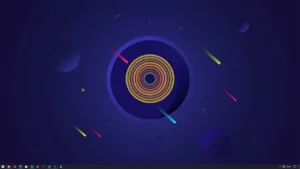
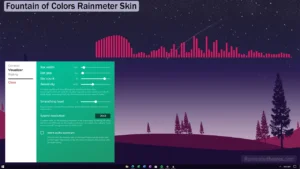
The Bass Beat Visualizer Rainmeter Skin offers an immersive and visually captivating way to enjoy your music. This skin provides a range of dynamic visualizations that respond to the beats and rhythms of your music, creating a mesmerizing audio-visual experience right on your desktop.
Customize your visualizer to match your desktop aesthetics and preferences. Adjust the size, position, and style of the visualizer to seamlessly integrate it into your desktop layout. Whether you prefer a subtle, elegant visualization or a bold and vibrant display, the Bass Beat Visualizer Rainmeter Skin offers customization options to suit your taste.