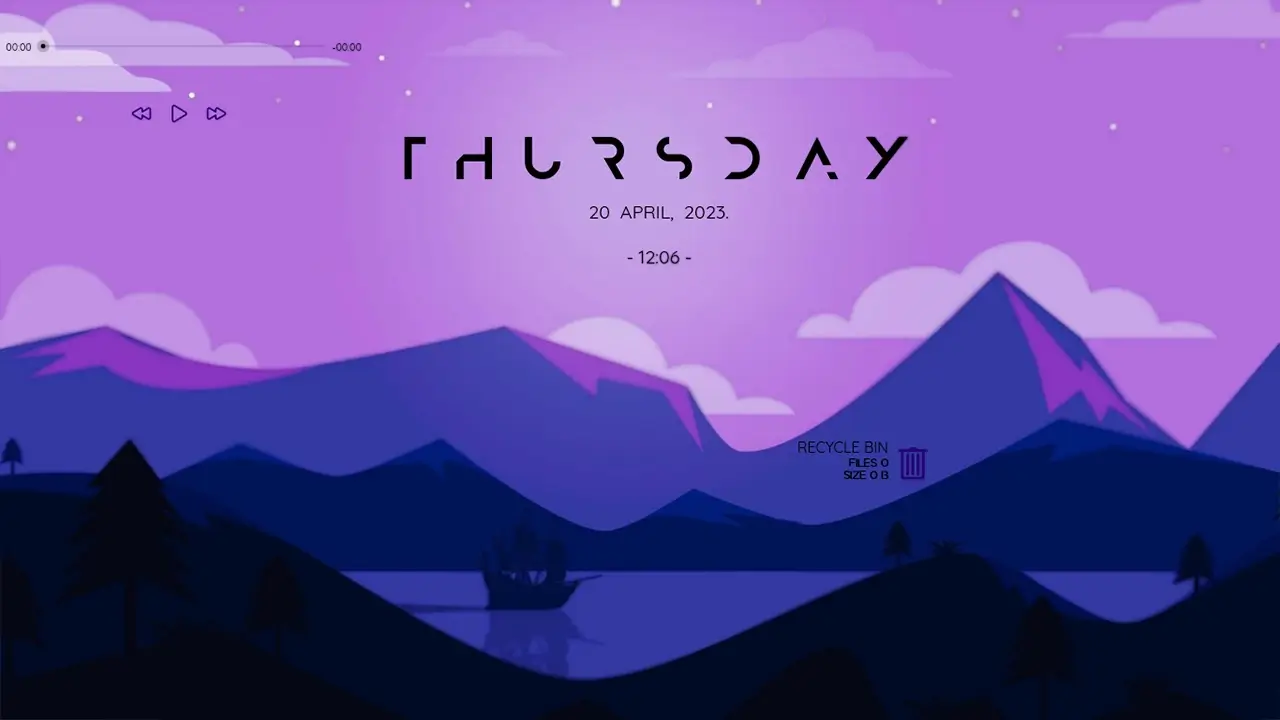
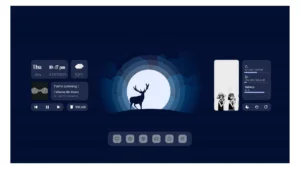
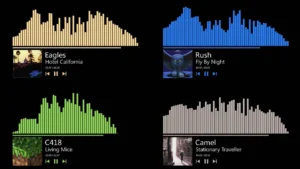
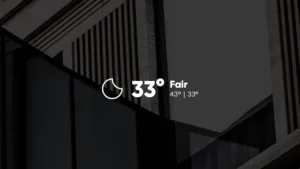
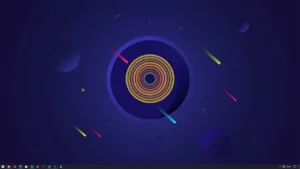
MOND is one of the most aesthetic Rainmeter Skins. It has widgets like a music player and weather, and it also has an empty recycle bin shortcut widget which can be used to empty the Window’s recycle bin in one click.
MOND Rainmeter skin
The MOND Rainmeter Skin is a modern and minimal desktop customization skin for Windows, created by ApexXx-SenSei. It is one of the most popular Rainmeter skins thanks to its clean design, lightweight performance, and practical desktop widgets.
MOND helps you create a stylish and organized desktop with useful widgets for everyday tasks. Whether you’re building a minimal workspace or an aesthetic gaming setup, this skin offers an excellent balance of functionality and visual appeal.
Music Player
Supports Spotify and most media players.
Weather Widget
Displays current weather and forecast.
Clock
Minimal digital clock.
Recycle Bin Shortcut
One-click recycle bin cleaner.
How to Install Rainmeter Skins
Follow these simple steps to install a Rainmeter skin on Windows:
Download the Rainmeter skin from the link below.
Install Rainmeter if you haven’t already.
Open your Downloads folder and locate the downloaded .rmskin file.
Double-click the .rmskin file (or right-click and choose Install) to install the skin.
Open the Rainmeter Manage window by:
Right-clicking the Rainmeter icon in the system tray and selecting Manage, or
Right-clicking the loaded skin and selecting Manage Skin.
From the Manage window, load, unload, or customize the installed Rainmeter skin to match your desktop setup.
Your Rainmeter skin is now installed and ready to personalize your Windows desktop.
Q
Is MOND Rainmeter free?
Yes
Q
Does MOND work on Windows 11?
Yes
Q
Is MOND safe?
Yes. Download only from trusted sources.
Q
Can I change colors?
Yes
Q
Does it affect performance?
Very little.
Q
How do I install it?
Download the RMSKIN file and install it using Rainmeter.