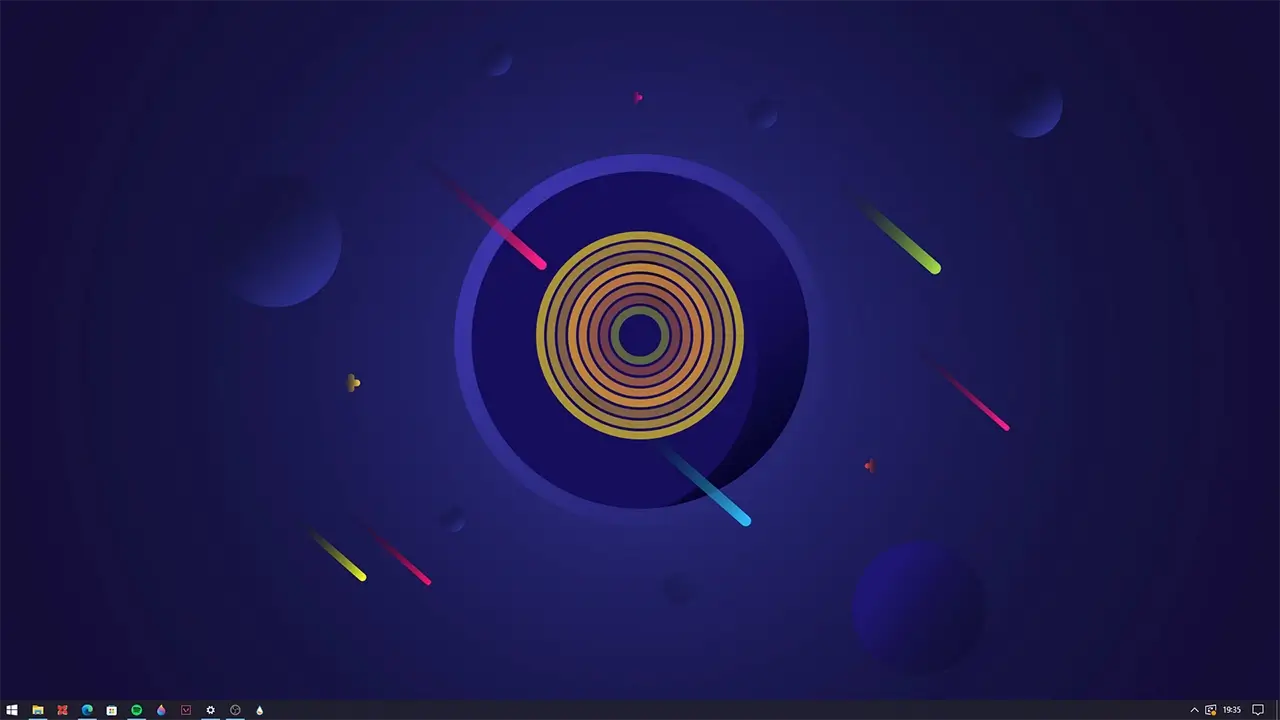
Introducing the “Discombobulator Desktop Music Visualizer Rainmeter Skin.” This sleek and versatile visualizer skin is designed to elevate your desktop experience. It seamlessly syncs with any media player and audio device, transforming your music into an elegant display of rhythm and sound.
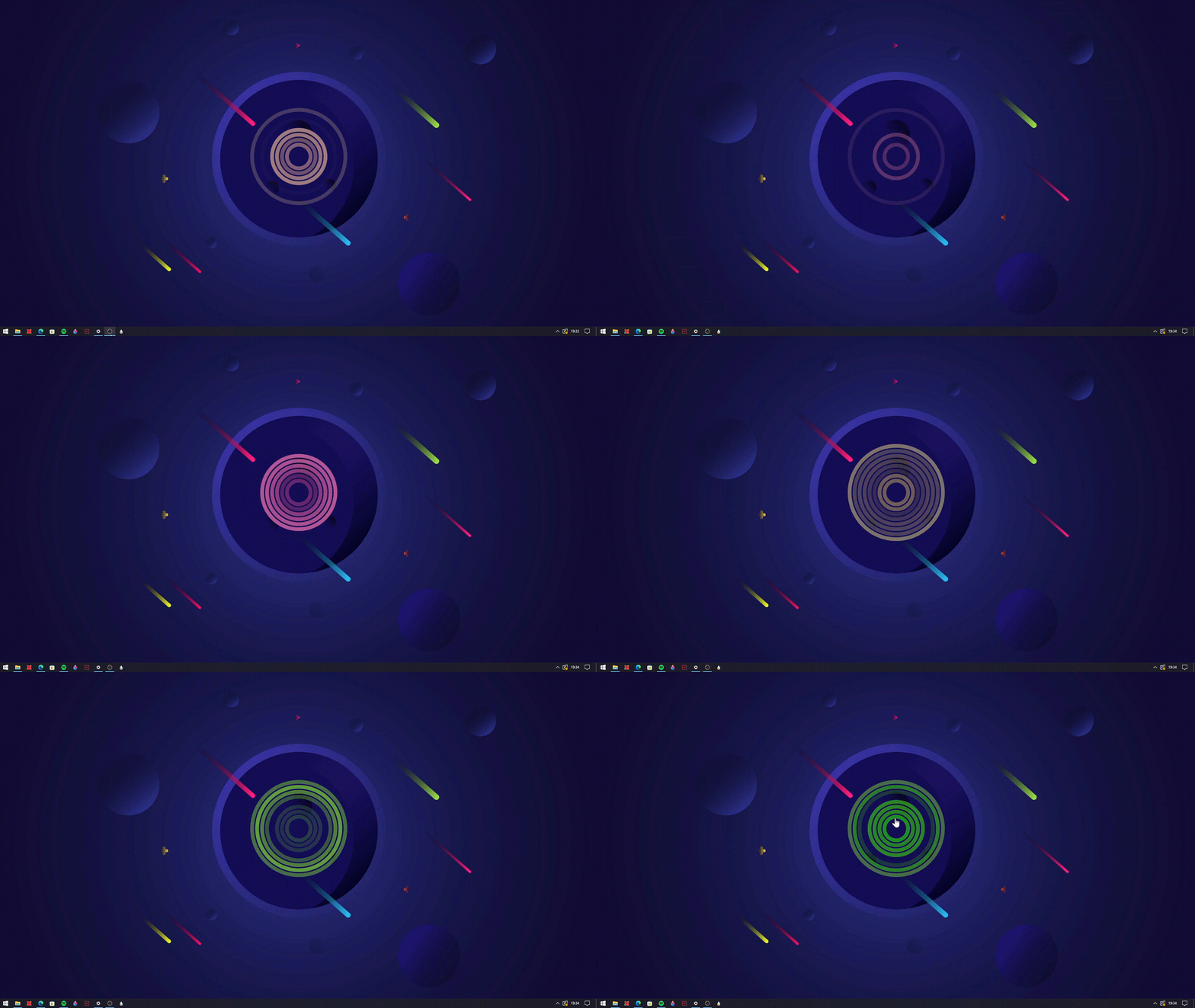
The Discombobulator features captivating rings that gracefully fade in and out, responding to the music’s rhythm and sound levels. What sets it apart is its adaptability. You have the freedom to customize its display and audio settings, ensuring it perfectly complements your current wallpaper or the genre of music you’re indulging in.
Experience the synergy of music and aesthetics with the Discombobulator Desktop Music Visualizer Rainmeter Skin—a simple yet sophisticated addition to your desktop that harmonizes with your unique style and music preferences.