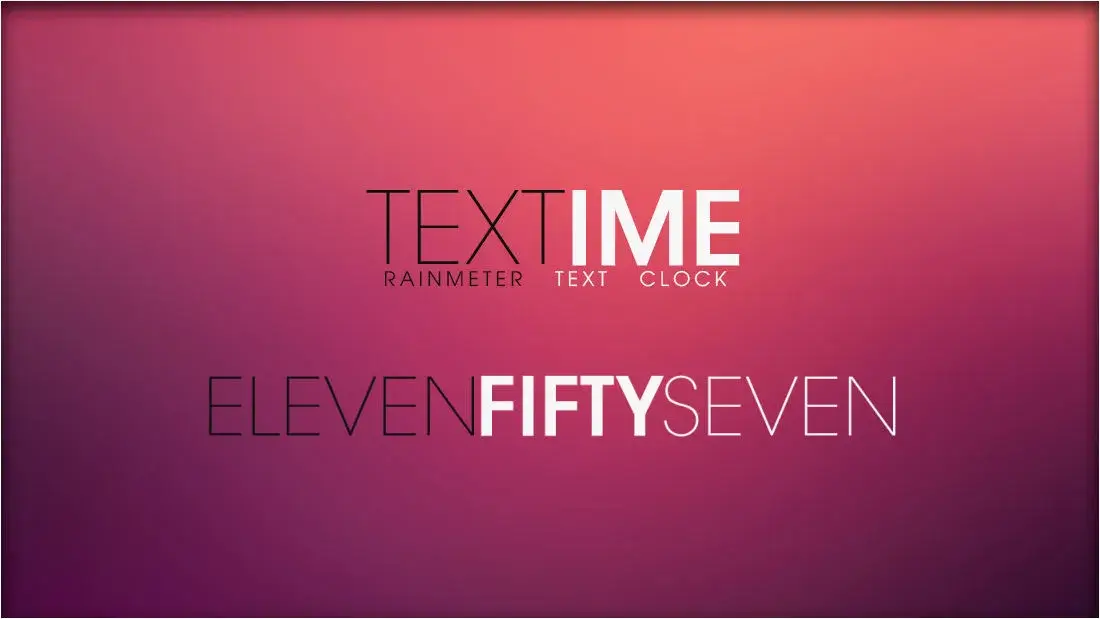
The TextTime Rainmeter Skin offers a unique twist on time display. This versatile addon allows you to view time in text format, giving you the option to switch between the 12-hour and 24-hour clock formats. The hour text is crisply presented in pure white, while the minutes’ text exudes a vibrant green hue. Set against a rustic grey brick wall background, the time takes on an elegant and lifelike appearance. Elevate your desktop with the finest timekeeping experience imaginable by choosing this exceptional Rainmeter Skin.