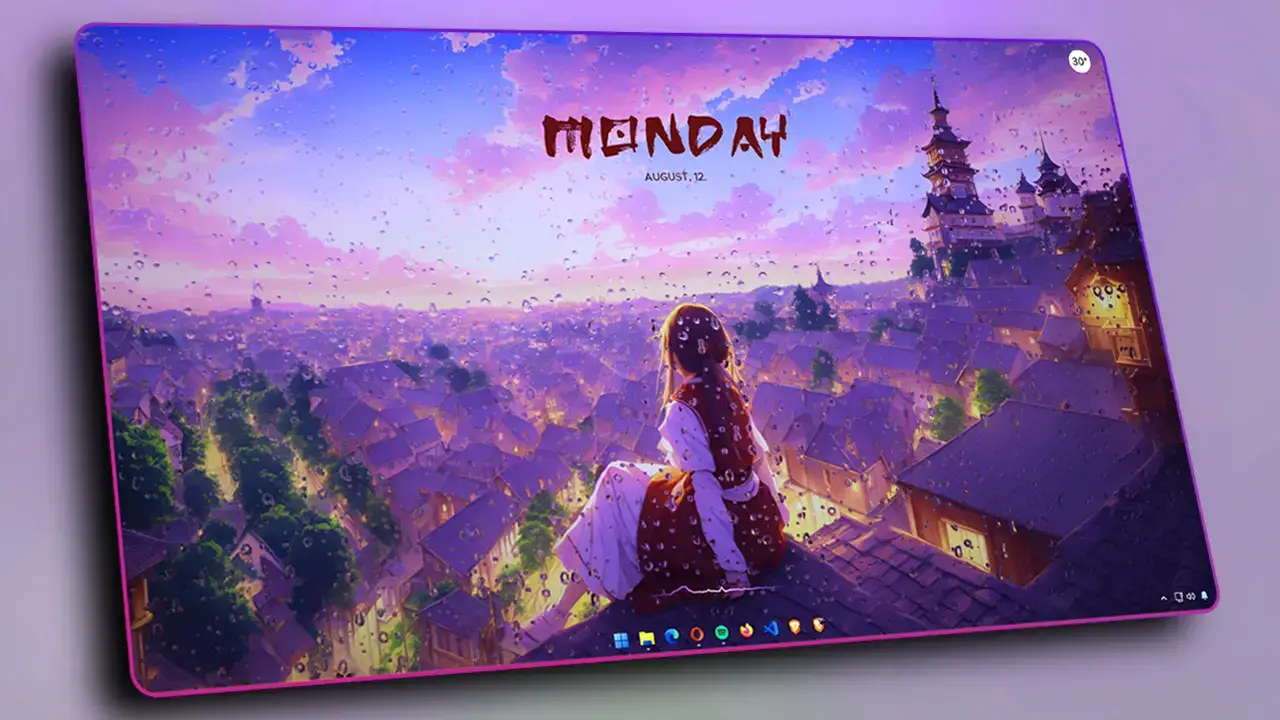
Zoro Theme Windows Customization (One Piece)

Play Video
Content

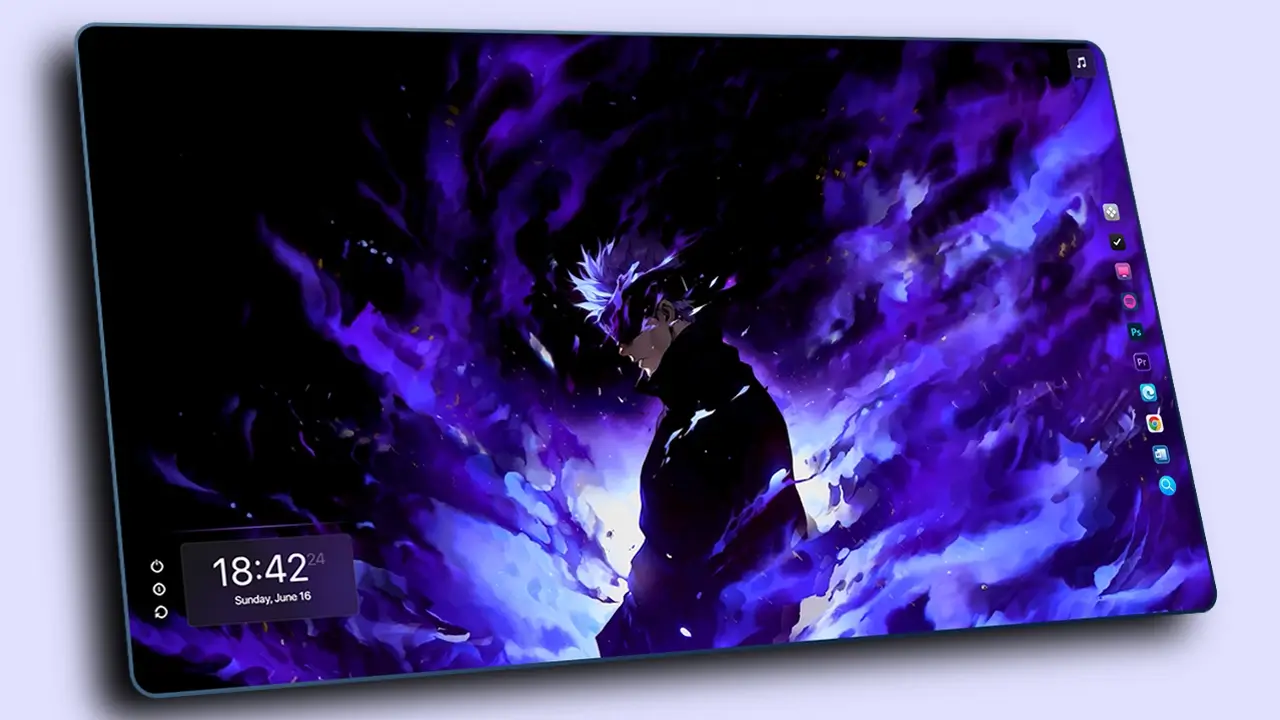
If you’re a fan of Roronoa Zoro from One Piece, this desktop setup is perfect for you. In this guide, you’ll learn how to transform your Windows desktop into a clean and powerful Zoro-inspired theme using tools like Rainmeter, Lively Wallpaper, Nexus Dock, and TranslucentTB. From animated wallpapers to stylish widgets, everything is designed to give your PC a fresh and aesthetic anime look.
Required Tools/Resources for the Customization :

Theme File (Mega)

Rainmeter

Nexus Dock

Translucent TB

Lively Wallpaper

What’s Included in the Theme File?

  • Zoro Live Wallpapers
  • Nexus Dock Icons
  • Rainmeter Skins (Clock , Visualizer, and Music Info Rainmeter Skins)

Customization Steps

  1. Download the Theme file and the Necessary Resources that are required for the customization.
  2. Set Zoro Live Wallpaper as the desktop background using Lively Wallpaper.
  3. Setup the Nexus Dock by watching the video tutorial
  4. Watch the video to configure the Rainmeter widgets as the Zoro Theme Customization.

Conclusion

This Zoro desktop customization is a great way to give your setup a bold and unique anime vibe. With the right combination of tools and a little setup time, you can completely change how your desktop looks and feels. If you enjoy clean layouts and anime themes, this setup is definitely worth trying. Follow the steps carefully, and you’ll have your own Zoro-inspired desktop up and running in no time.