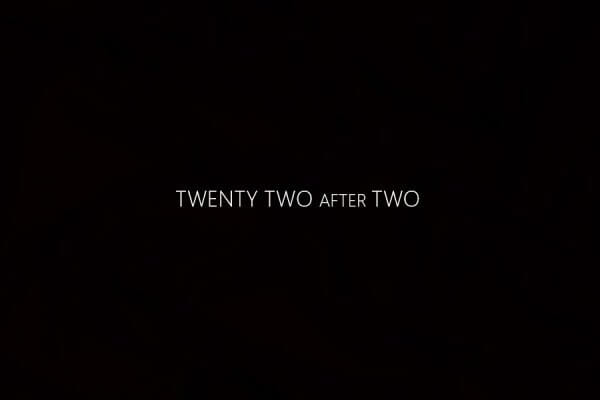
Don’t strain your eyes struggling to decipher your digital watch or traditional clock when you can effortlessly check the time in a clear, black-and-white text format. Text watches are all about simplicity and precision. With this Rainmeter skin, you can easily determine the exact number of minutes elapsed since the hour began or the remaining minutes until the top of the hour. If simplicity and accuracy are your priorities for timekeeping, consider adding this fantastic Rainmeter skin to your desktop.







hi