Discombobulator Desktop Music Visualizer – RMS
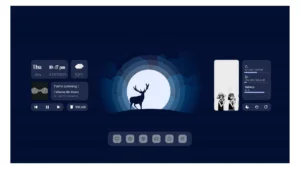
Introducing the "Discombobulator Desktop Music Visualizer Rainmeter Skin." This sleek and versatile visualizer skin is designed to elevate your desktop experience. It seamlessly syncs with...
Ratings are determined based on ease of use, functionality, customizability, aesthetics, and resource use.
1 / 3
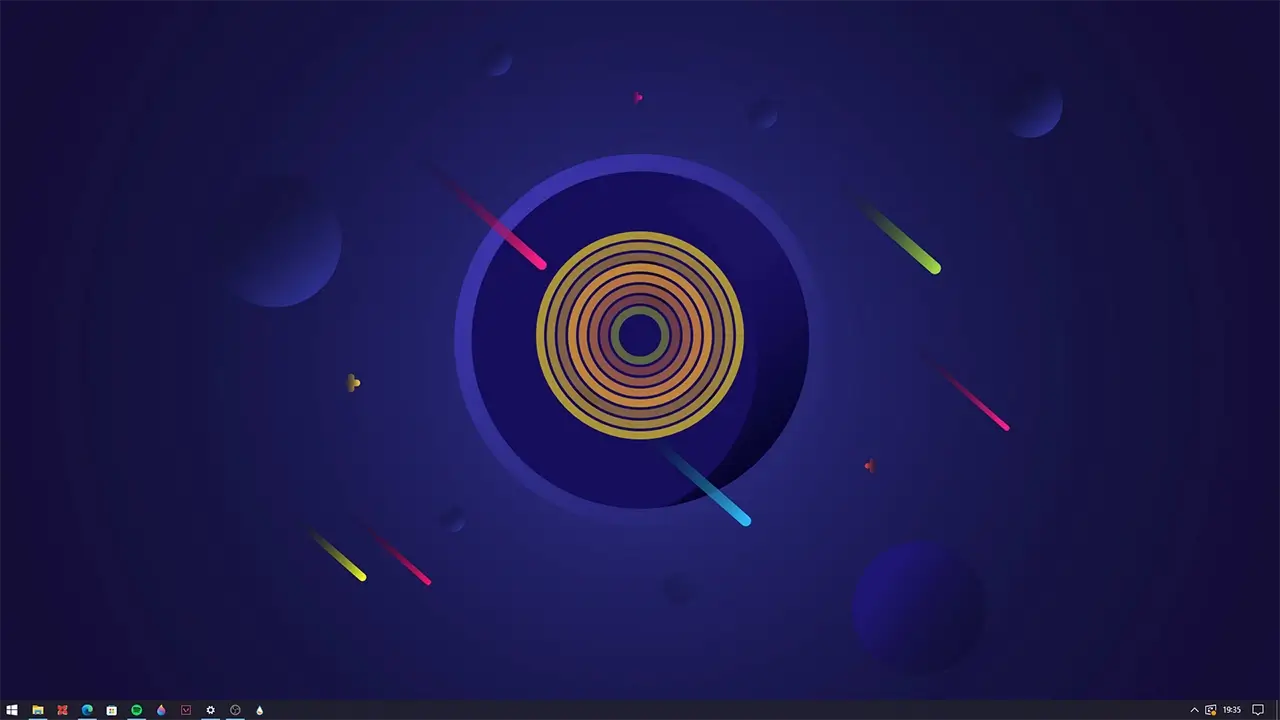
Introducing the “Discombobulator Desktop Music Visualizer Rainmeter Skin.” This sleek and versatile visualizer skin is designed to elevate your desktop experience. It seamlessly syncs with any media player and audio device, transforming your music into an elegant display of rhythm and sound.
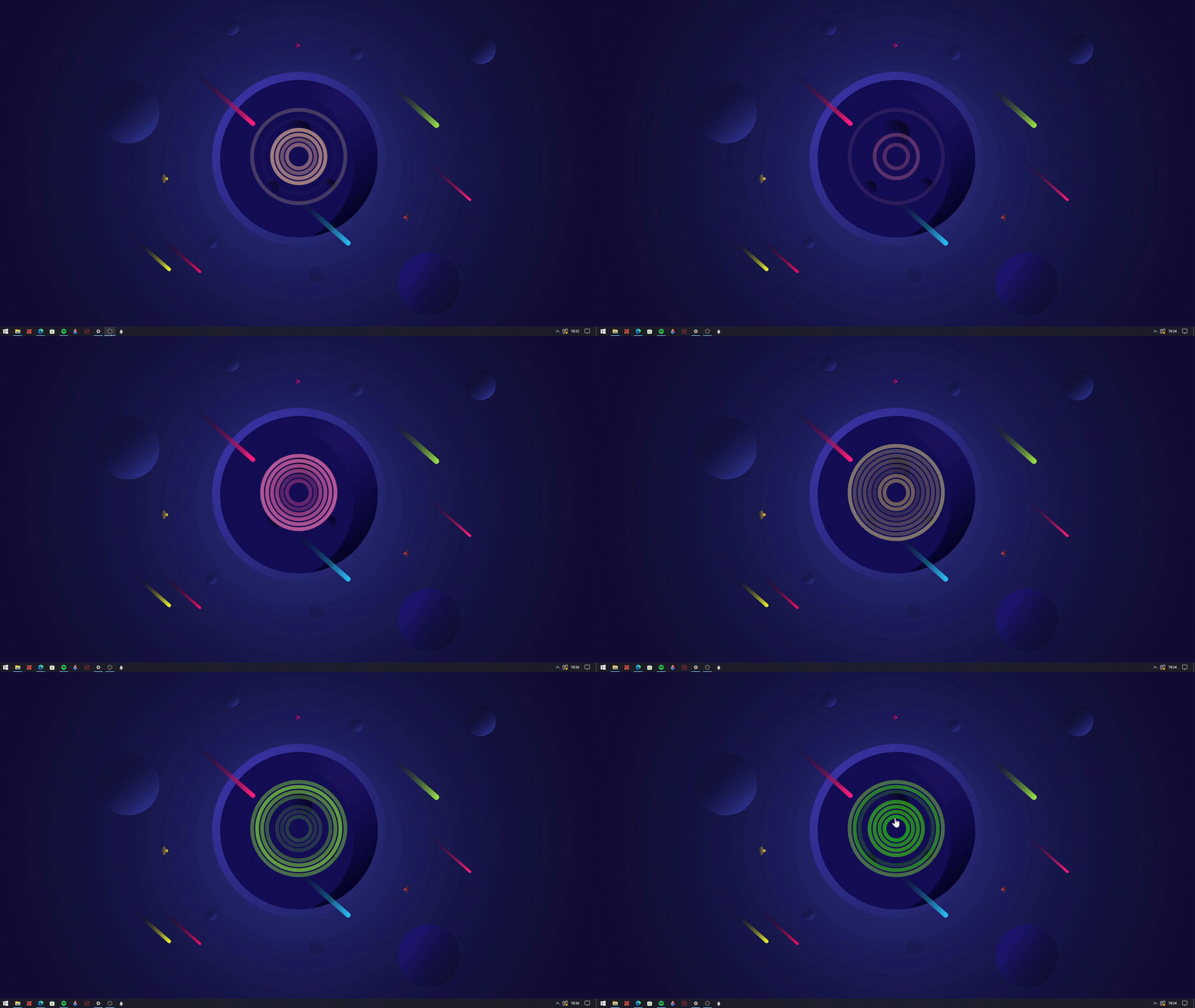
The Discombobulator features captivating rings that gracefully fade in and out, responding to the music’s rhythm and sound levels. What sets it apart is its adaptability. You have the freedom to customize its display and audio settings, ensuring it perfectly complements your current wallpaper or the genre of music you’re indulging in.
Experience the synergy of music and aesthetics with the Discombobulator Desktop Music Visualizer Rainmeter Skin—a simple yet sophisticated addition to your desktop that harmonizes with your unique style and music preferences.

How to Install Rainmeter Skins
Follow these simple steps to install a Rainmeter skin on Windows:
- Download the Rainmeter skin from the link below.
- Install Rainmeter if you haven’t already.
- Open your Downloads folder and locate the downloaded .rmskin file.
- Double-click the
.rmskinfile (or right-click and choose Install) to install the skin. - Open the Rainmeter Manage window by:
- Right-clicking the Rainmeter icon in the system tray and selecting Manage, or
- Right-clicking the loaded skin and selecting Manage Skin.
- From the Manage window, load, unload, or customize the installed Rainmeter skin to match your desktop setup.
Your Rainmeter skin is now installed and ready to personalize your Windows desktop.