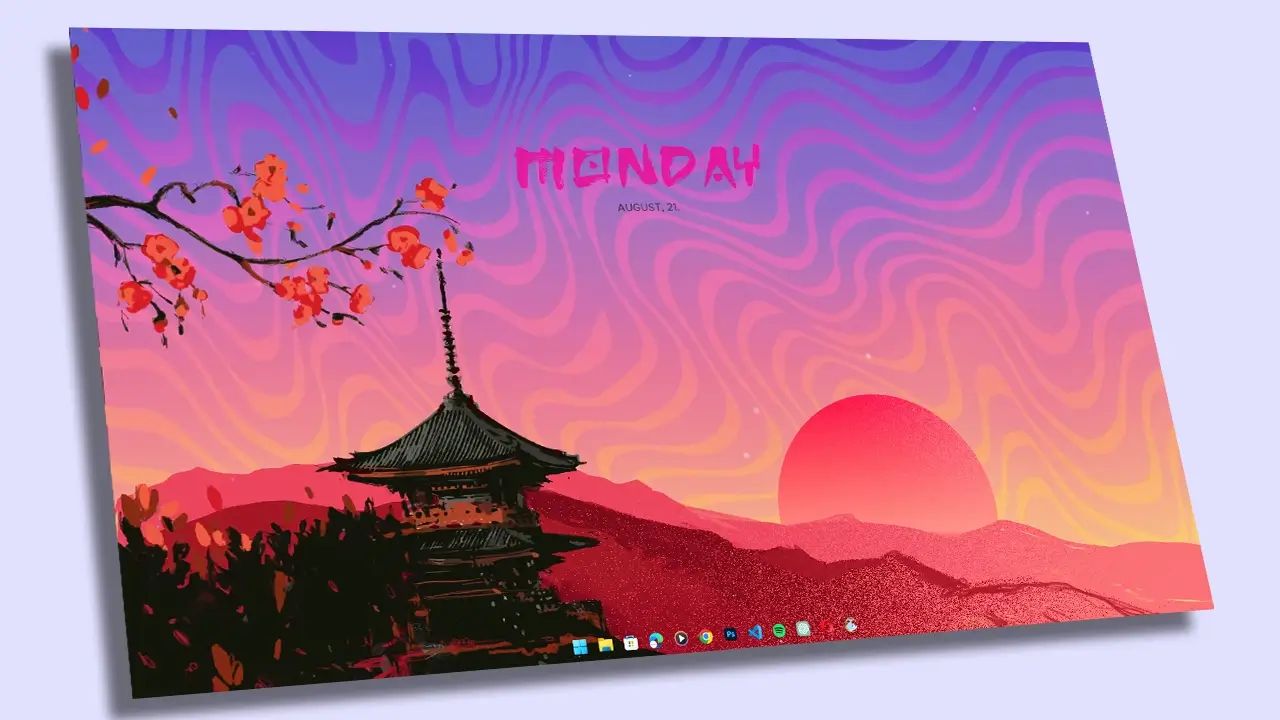
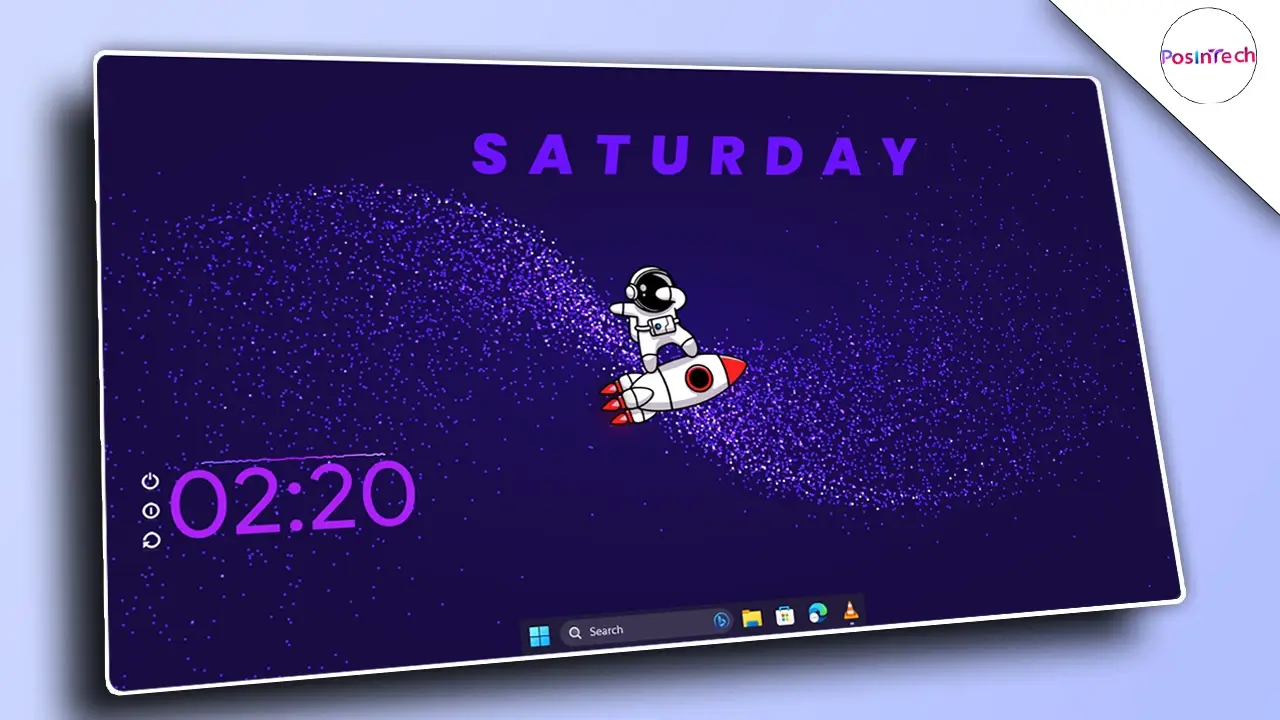
Give your Desktop a CLEAN and Professional Look in 2026

Play Video
Content

How to Give Your Windows Desktop a Clean & Professional Look

Want to transform your Windows desktop into a minimal, professional, and distraction-free setup? In this guide, I’ll show you step by step how to create a clean and modern Windows desktop look using Rainmeter skins, Lively Wallpaper, and TranslucentTB.

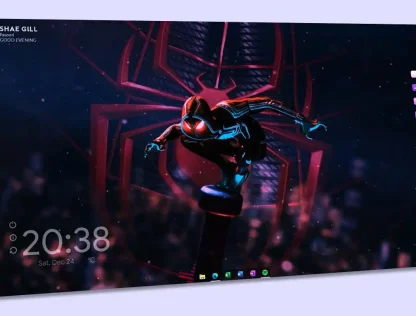
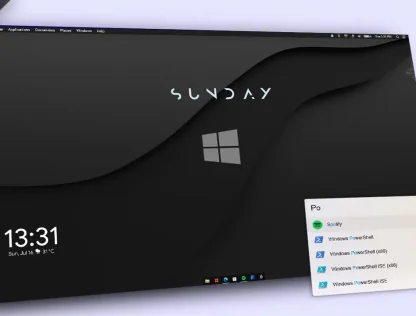
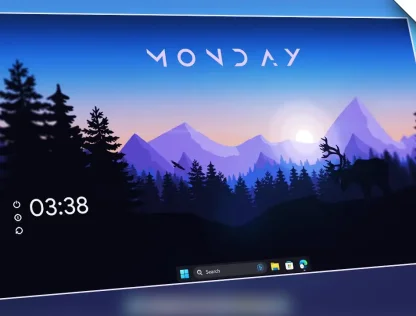
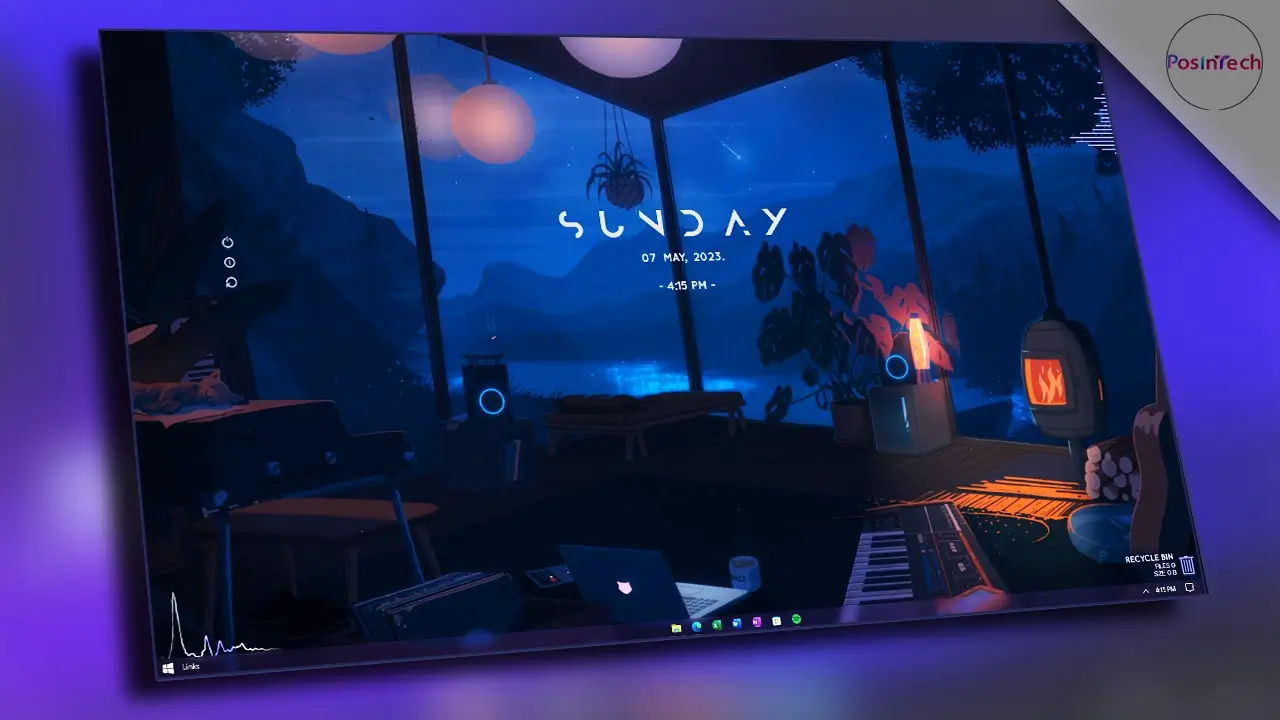
This setup is ideal if you want a fresh workspace for 2026 that strikes a balance between style and productivity. We’ll use elegant Rainmeter widgets like Decision, Mond , Mii Power, Music Info , and Waveline Visualizer to add functionality without clutter.

Follow along with the video tutorial, or use the resources below to customize your own desktop.
Theme File and Required Tools :

Theme File

Rainmeter

Translucent TB

Lively Wallpaper

What’s Included in the Theme File?

  • Wallpapers
  • Fonts for Rainmeter Widgets
  • Rainmeter Skins (Clock, Visualizer, Power, and Music Info Skins)

1. Clean Up Your Desktop

  1. Hide unnecessary desktop icons and taskbar icons to create a clean base.

2. Install the Theme File

  1. Download the Theme File.

  2. Extract the zip file to your computer.

3. Set Up Wallpaper

  1. Install Lively Wallpaper.

  2. Import the wallpaper from the theme file and configure it for a smooth background look.

4. Install Rainmeter

  1. Install Rainmeter (latest version).

  2. Unload all default skins to start fresh.

  3. Transfer the Rainmeter skins from the theme file into the Rainmeter Skins folder.

  4. Open Rainmeter and load each skin:

    1. Decision Clock

    2. Monday Day Clock

    3. Mii Power

    4. Music Info (Spotify)

    5. Waveline Visualizer

  5. Arrange them neatly according to the theme preview.

5. Customize the Taskbar

  1. Install TranslucentTB from the Microsoft Store.

  2. Configure it to Acrylic mode for a professional transparent taskbar effect.

Conclusion

After following these steps, your desktop will have a minimal, modern, and 2025-ready look – with clean widgets, an animated wallpaper, and a sleek acrylic taskbar.